What You’ll Need
I Built a Faster Steam Machine for $200 Less
I went and did it — put together a custom small form factor Steam Machine that beats Valve’s top-tier official model in performance while costing $200 less. And yeah, we can’t get quite as tiny as the official Steam Machine, but the TR100 case I used gets pretty damn close. Plus you can scale it up later if you want to swap in a bigger GPU or add a Steam Controller down the road.
This build uses all new parts. If you want something even cheaper, I’ve done other videos with used hardware that still outperform the official machine, but this one hits a sweet spot: better than the top-tier unit, with room to grow.
- Motherboard: ROG Strix B860I Gaming Wi-Fi (Mini-ITX)
- CPU: Intel Core Ultra 5 250K Plus (18 cores, 18 threads, up to 5.4 GHz)
- RAM: 32GB Kingston Fury DDR5-6000 (DDR5 is pricey, but you can swap for an older chipset and DDR4 to save money)
- Storage: 1TB Kingston NVMe PCIe 3.0 (offset the RAM cost)
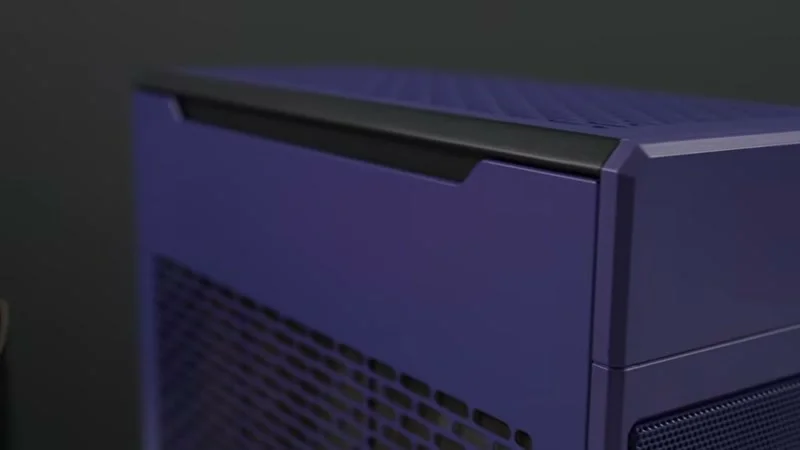
- Case: ThermalTake TR100 (purple, on sale for $56 during Prime Day — they have other colors)
- Power Supply: Cooler Master 750W SFX (fully modular, smaller form factor)
- CPU Cooler: Thermalright FW240 240mm AIO (has an LCD you can remove, $36)
- GPU: AMD Radeon RX 9600 XT 16GB (tough gaming triple fan edition — 16GB VRAM is key for SteamOS)
- SteamOS: Official Steam Deck recovery image from Valve’s website
Step-by-Step Build
1. Motherboard & CPU
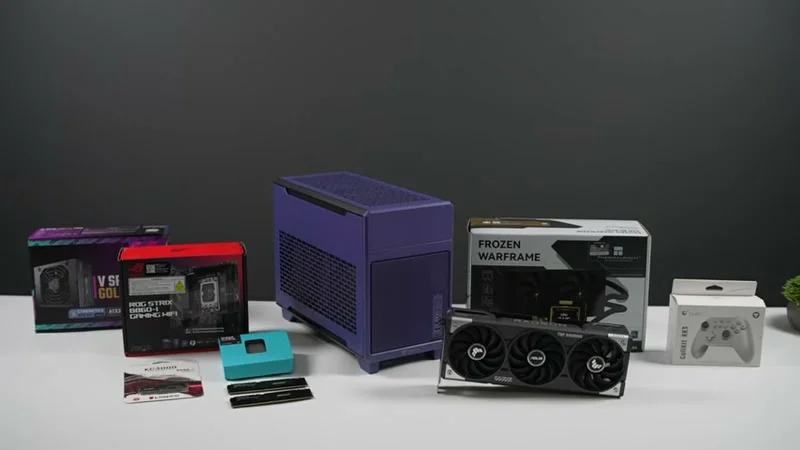
I went Mini-ITX to keep it small. The B860I has built-in Wi-Fi and supports Intel’s new Core Ultra chips. The 250K has 18 cores, 18 threads, and clocks up to 5.4 GHz on the performance cores. If you want to go AMD, you can — but I snagged this combo during Prime Day for a solid deal.
2. RAM & Storage
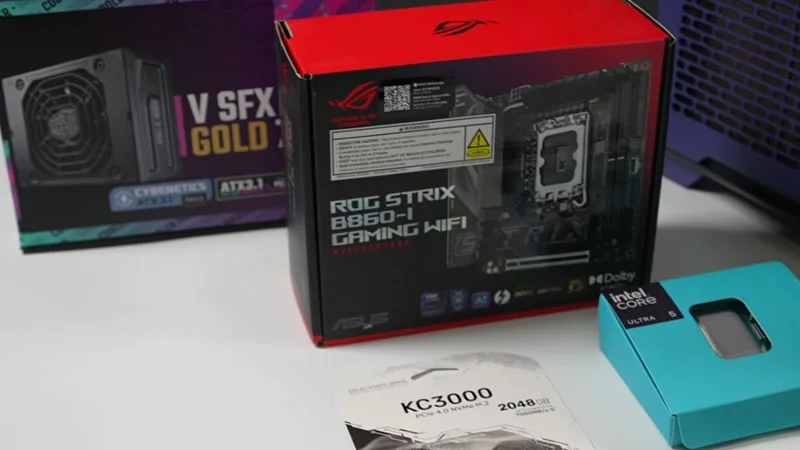
You have to use DDR5 with a B860 board, and there’s no way around that price tag right now. I put in 32GB of Kingston Fury at 6000 MT/s. To save a little, I used a 1TB PCIe 3.0 NVMe instead of 2TB — it’s fine for SteamOS.
3. Case & Layout
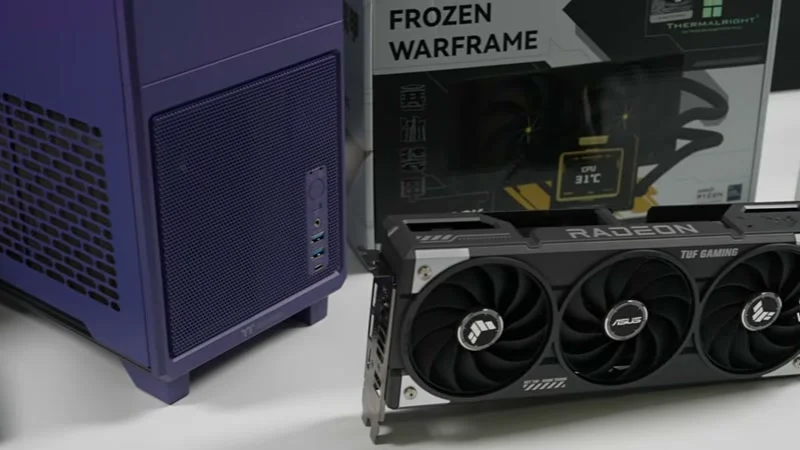
The ThermalTake TR100 is a mini-ITX-only case. It comes with a PCIe 5.0 riser cable, so the motherboard sits on one side and the GPU on the other. The case supports up to a 280mm AIO up top, but I went with 240mm. One catch: it only officially takes SFX power supplies, not standard ATX. That’s a bit annoying because SFX units can cost more, but the Cooler Master 750W is fully modular and fits nicely.
4. Installing the Motherboard and Power Supply
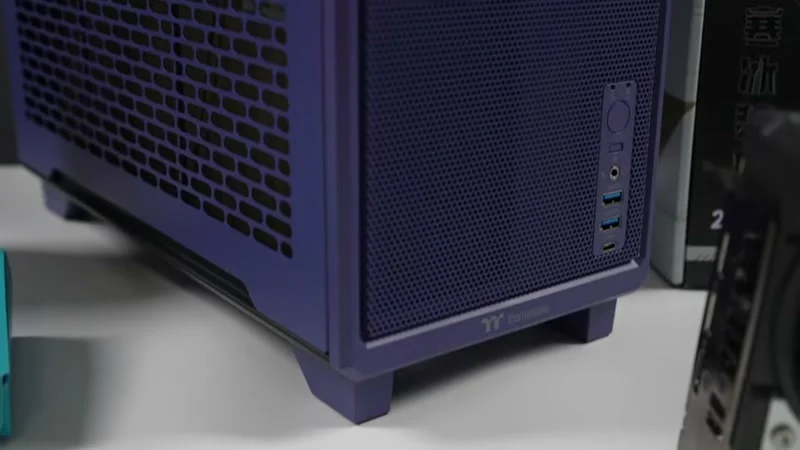
Slides right in. Cable management is decent for a small case. Plugged in the motherboard power, front I/O, and all that. Left the AIO loose so I could maneuver around it.
5. CPU Cooler
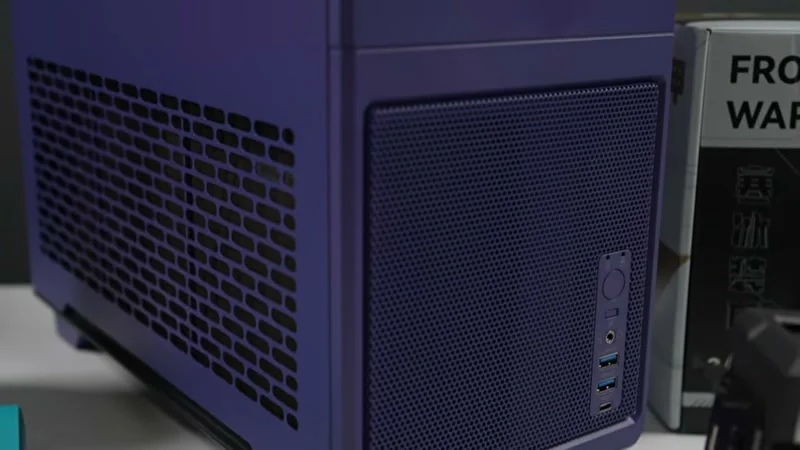
I used the Thermalright FW240 AIO. It’s a 240mm unit with an LCD screen on the pump. I haven’t tried the Linux software for the LCD yet — someone is working on support for Arch, but for now I just left the LCD off. It attaches magnetically and you can pull it off entirely. Honestly, you can’t even see it once the side panels are on.
6. GPU — The Most Important Part
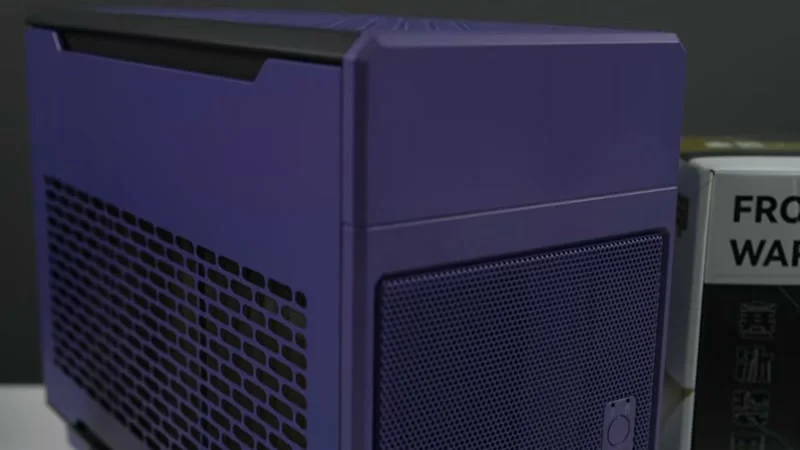
If you want SteamOS to work properly, stick with a Radeon GPU. Older 5000/6000/7000 series work, but I went with the RX 9600 XT for more VRAM and better performance. It’s a triple-fan card, but it still fits easily in the TR100 with room left for a bigger card later. 16GB of VRAM makes a huge difference in modern games.
7. Installing SteamOS
Flash the Steam Deck recovery image onto a USB stick — same process as any OS install. Boot from the USB and you’re in. Everything worked out of the box: Wi-Fi, Bluetooth, sound over HDMI. The only thing you can’t adjust from SteamOS is TDP, but you don’t need to on a desktop. If you wanted to, you could underclock in BIOS.
Performance — How It Stacks Up
I ran the same benchmarks I used on the official Steam Machine. Remember, no FSR, native resolution, ultra settings.
Cyberpunk 2077: - 4K: Official 18 FPS → Custom 29 FPS (+61%) - 1440p: Official 45 → Custom 67 (+48%) - 1080p: Official 74 → Custom 106 (+43%)
Shadow of the Tomb Raider (Very High): - 4K: Official 44 → Custom 65 (+47%) - 1440p: Official 86 → Custom 123 (+43%) - 1080p: Official 118 → Custom 168 (+42%)
Horizon Zero Dawn Remastered: - 4K: Official 26 → Custom 41 (+58%) - 1440p: Official 48 → Custom 84 (+75%) - 1080p: Official 58 → Custom 105 (+81%)
Real-world gaming: - Forza Horizon 6 at 1440p ultra, no FSR: 98 FPS average. CPU temps never went above 57°C with the 240mm AIO. - Spider-Man 2 at 4K high with FSR quality: ~71 FPS. The official machine struggled to hit 60 at 1440p medium. - Doom: The Dark Ages at 1440p ultra, FSR quality: 81 FPS average. Used 8.4GB VRAM — that extra memory helps a lot. - Mortal Kombat 1 at 4K very high, no FSR: runs smooth. At 4K ultra it dips to 56 sometimes — just drop to very high.
One thing I left out: all these games support frame generation in SteamOS, so you could push higher resolutions if you want.
Final Thoughts
You don’t have to spend this much to outperform the official Steam Machine. If you go used — say a Zen 3 CPU like the 5800X with DDR4 — you’ll still beat Valve’s top-tier model, especially if you pair it with an RX 9600. But this all-new build is a solid path that leaves you room to upgrade the GPU or add a Steam Controller later.
Links to everything in the description below. If you want to see any other games tested, let me know.